
Managing your emails across different platforms is essential for productivity. This guide explains how to add an email account on Apple devices (iPhone/iPad), Microsoft Outlook, and Gmail, with step-by-step instructions. Following these steps ensures you can access and manage your emails seamlessly anytime, anywhere.
Note: These instructions apply to iOS 15+, Microsoft Outlook 2019/365, and the latest Gmail app version. For non-standard email providers, you may need to enter IMAP/POP server settings manually.
Table of Contents:
Add an Email Account on Apple Devices (iPhone/iPad)
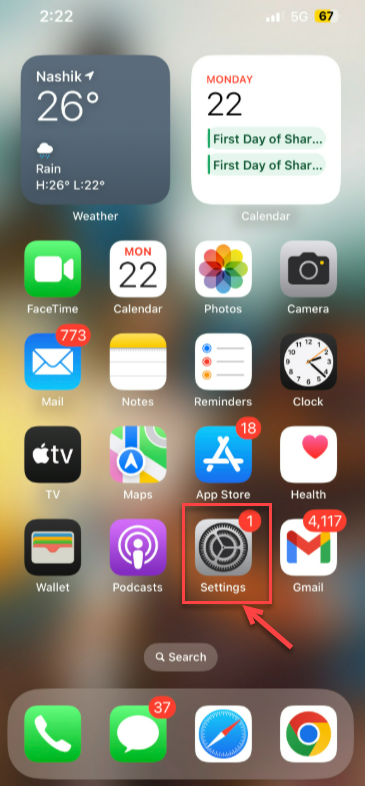
- Open the ‘Settings’ app.
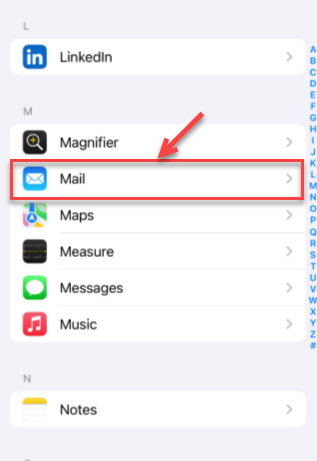
- Scroll down and tap on ‘Mail’ to access your email account settings.
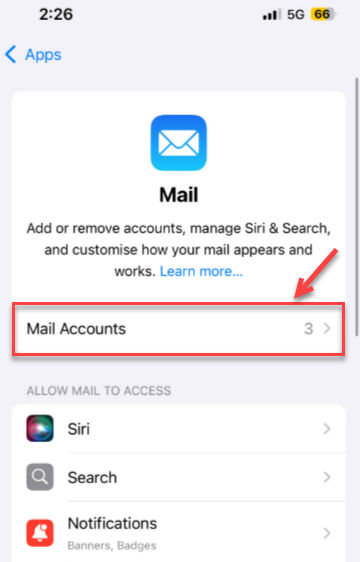
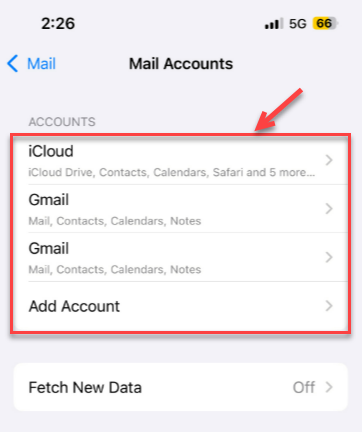
- You will find ‘Mail Accounts’ added as shown below.
- Tap Add Account. Choose your email provider. (e.g., iCloud, Gmail, Yahoo, Other)
- Select ‘Account’.
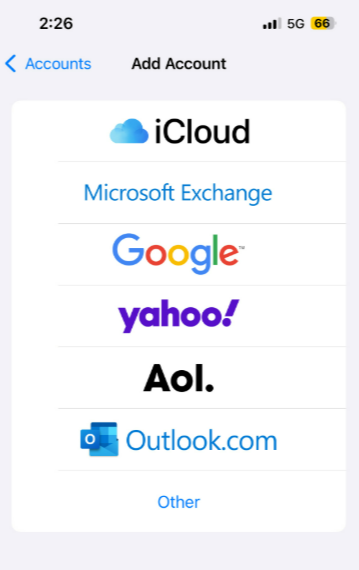
- Enter your name, email address, password, and a short description, then tap ‘Next’.
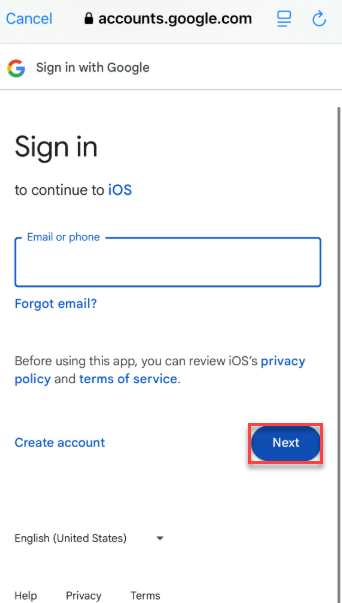
- Your device will verify the account settings. Once complete, select ‘Save’.
For non-standard providers, select Other > Add Mail Account and enter IMAP/POP and SMTP server details manually.
Add an Email Account in Microsoft Outlook
- Open the Outlook application.
- Go to the “File” option.
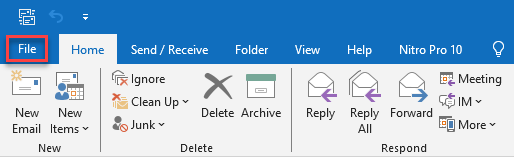
- Select Add Account.
- Enter your email address and click Connect.
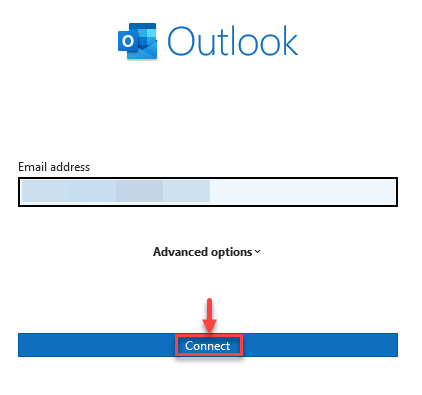
- Enter your email password and click Connect.
- Follow additional prompts to complete the setup.
- Click Done.
Add an Email Account in Gmail
- Open the Gmail app.
- Tap your profile picture or initials.
- Tap Add another account.
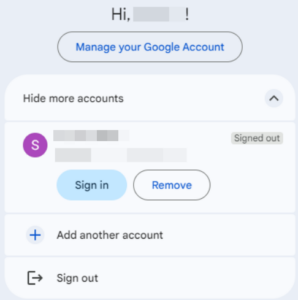
- Choose your email provider.
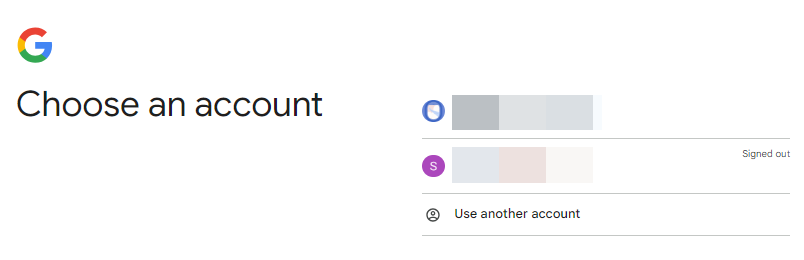
- Enter your email address and password.
- Follow the additional prompts.
- Gmail will start syncing your emails.
Troubleshooting Tips
If you face issues while adding an email account:
- Ensure your device has active internet connectivity.
- Verify that your email address and password are correct.
- Make sure your email app is updated to the latest version.
- For some providers, you may need to enter server settings manually.
Note: If problems persist, contact your email provider’s support team for assistance.
These instructions make it simple to add an email account on Apple devices, Outlook, or Gmail. A properly configured system guarantees smooth access to your emails on all platforms, enhancing organisation and productivity.
To connect to Webmail in Gmail, see our guide on How to Connect to Webmail in Gmail