
This guide will explain to you how to set up a MySQL/MariaDB Database with Plesk. MySQL is an open-source relational database management system (RDBMS)
To set up a MySQL/MariaDB database with Plesk, follow these steps:
- Log in to the Plesk control panel.
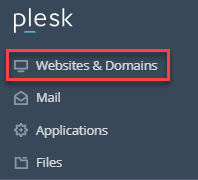
- Select the “Websites & Domains” option.
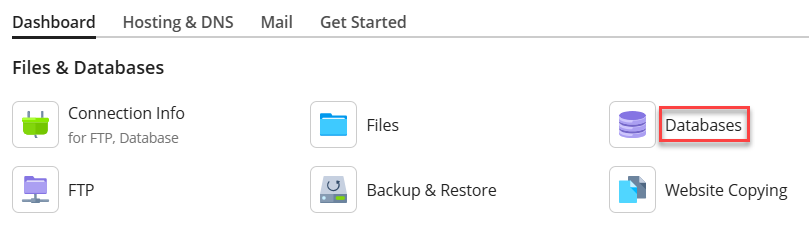
- Click on the “Database” sub-option.
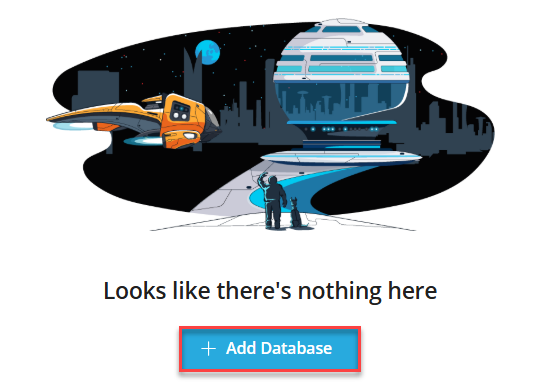
- Click on the “Add Database” button.
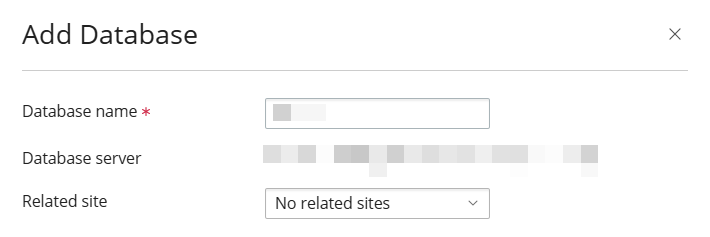
- A pop-up window will appear from the left side of the screen. Fill in the information:
- Enter the general information, such as “Database name”, “Database server”, and “Related Site”.
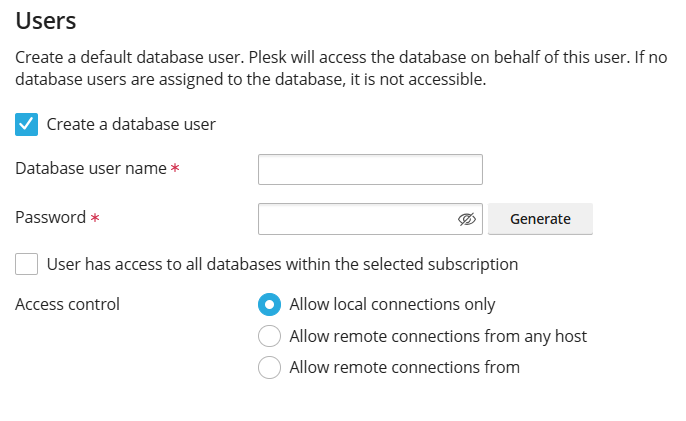
- Users: Enter the details such as Database User Name, Password, and Select Access Control option.
- Click the Create Database button.

- Enter the general information, such as “Database name”, “Database server”, and “Related Site”.
- You will receive a success message.
Hope you now know how to set up a MySQL/MariaDB database with Plesk. However, if you get into any trouble, please do not hesitate to contact our eukhost support specialists. We have a very helpful team at our end.