
This guide explains how to increase the PHP upload limit. Increasing the PHP upload limit allows for the uploading of larger files, which is essential for certain applications, plugins, or media uploads.
Follow the steps:
- Log in to cPanel.
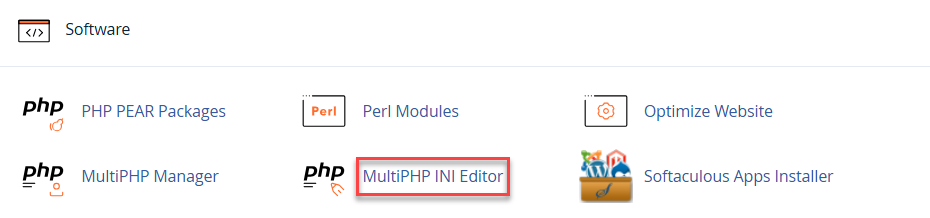
- Click on MultiPHP INI Editor.
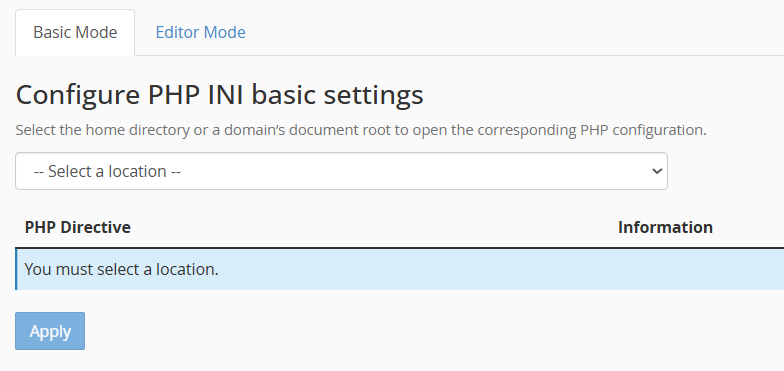
- Select the Home Directory using the drop-down menu.
- Scroll down until you get Upload_max_filesize, set it accordingly.
- Click on the Apply button.
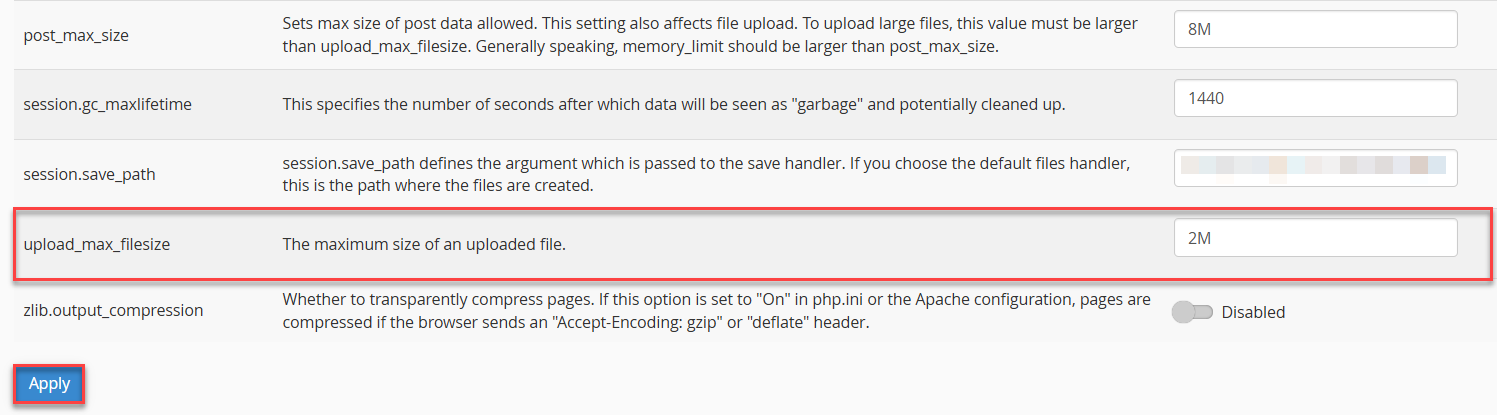
- The new value will be automatically updated. If successful, a success message will appear at the top-right corner of your screen, confirming that the change has been applied.
That’s how you increase the PHP upload limit in cPanel. If you encounter any issues, feel free to contact our support staff.
Learn how to use File Manager in cPanel for uploading and downloading files: How to Use File Manager in cPanel to Upload and Download Files.