
PostgreSQL is an open-source database management system supported by Plesk. This article explains how to enable the PostgreSQL server in Plesk, allowing it to be used for database creation and management.
Follow these steps to install PostgreSQL in Plesk:
- Log in to Plesk.
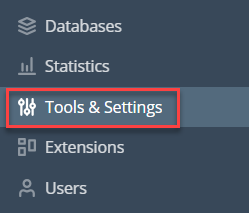
- Click on Tools & Settings.
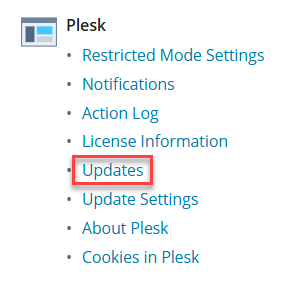
- From the Plesk, click on the Updates.
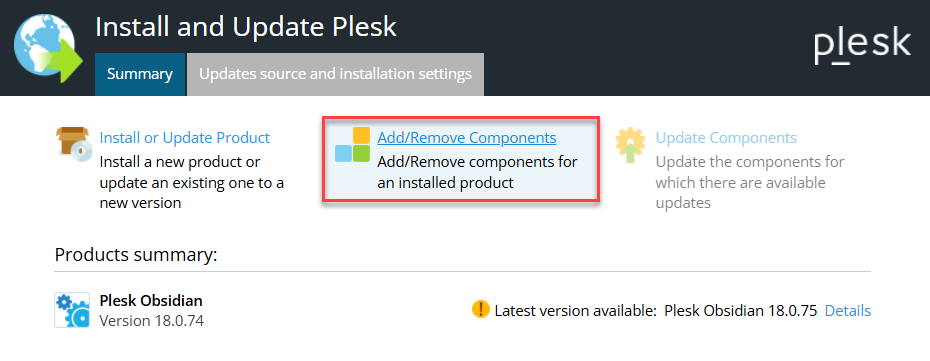
- On this page, click the Add/Remove Components option.
- Click on Install.
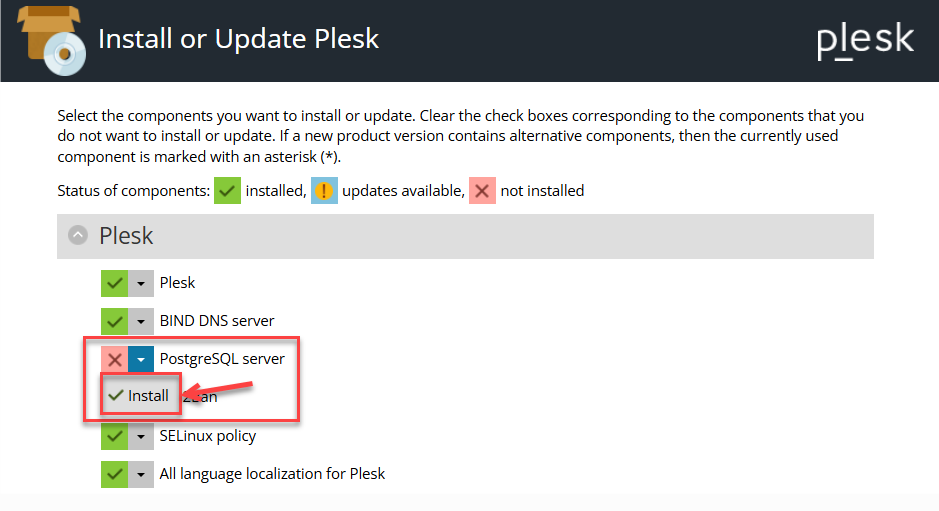
- You will find the PostgreSQL server installed.
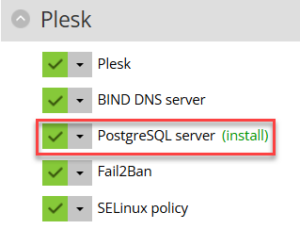
In this way, you can install the PostgreSQL server in Plesk. For more information on the Plesk server, visit our knowledge base section.
Ready to manage your database? Learn How to Create PostgreSQL users