
This guide will help you to find the support pin if it is covered by the chat box.
Follow the steps:
- For desktop users:
- When you log in to your dashboard and wish to chat with the support expert.
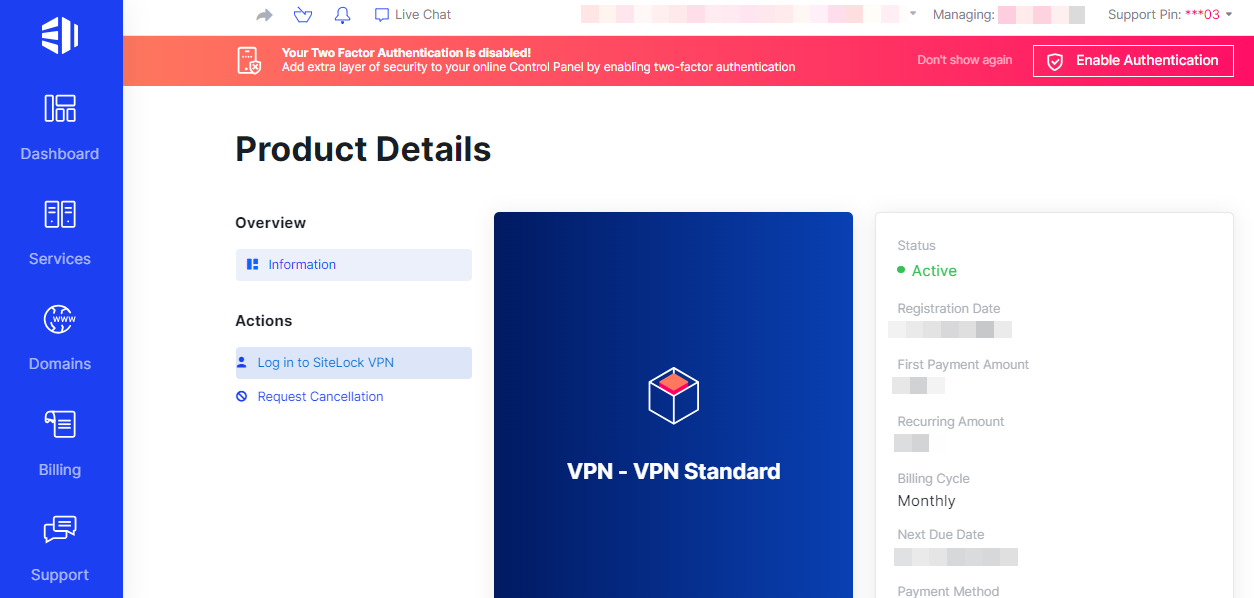
- You have to fill in the information and start the chat as given below.
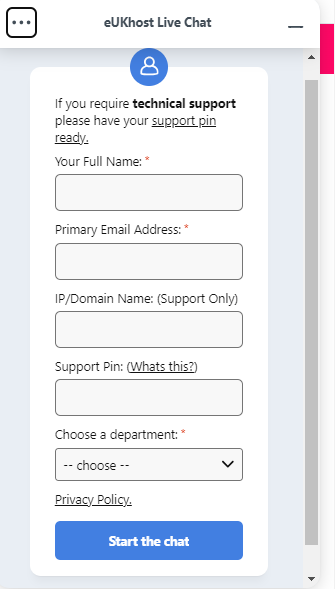
- The support expert asks for the support pin, but when the chat window is open, the support pin is covered, and users do not find their support pin.
- In such occasions, you should simply minimise the chat box and find your support pin.

- When you log in to your dashboard and wish to chat with the support expert.
- For mobile users:
- If you are logged in with the mobile.
- Check an icon like “tag” on the right side corner of the mobile screen.
- Click on it, and you will get your support pin.
This allows you to easily find the support PIN even if it is hidden behind the chat window.