
FileZilla is a popular FTP client used to upload, download, and manage files on a web server. It provides a faster and more reliable way to transfer files compared to browser-based file managers, especially when working with large files or multiple folders. FileZilla also supports secure connections, making it a preferred tool for managing website files safely and efficiently.
Steps to upload files using FileZilla:
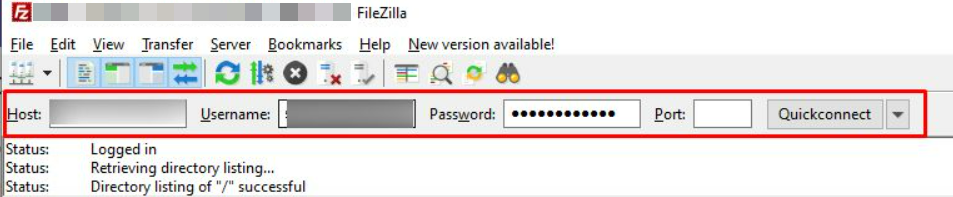
- Log in to the FileZilla Application.
- Enter the following Details to connect to the server:
- Host: Enter the hostname.
- Username: Enter the username that you want to connect.
- Password: Type the password.
- Port: Use the Port number 21.
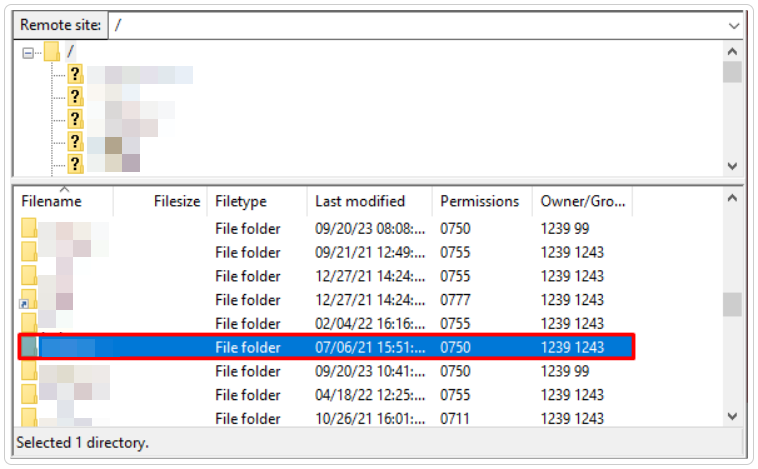
- Select the folder name where you want to upload the file.
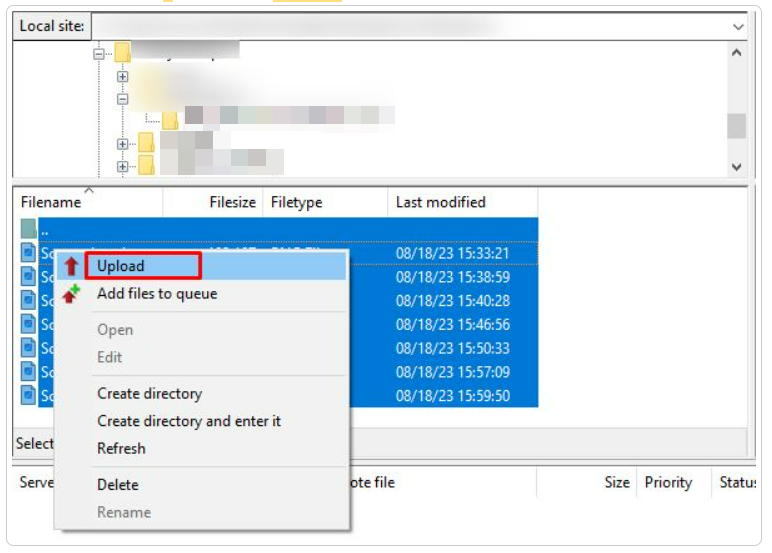
- Select the files, and click on the Upload.
- As you can see, the files are uploaded in the Public_ftp folder.
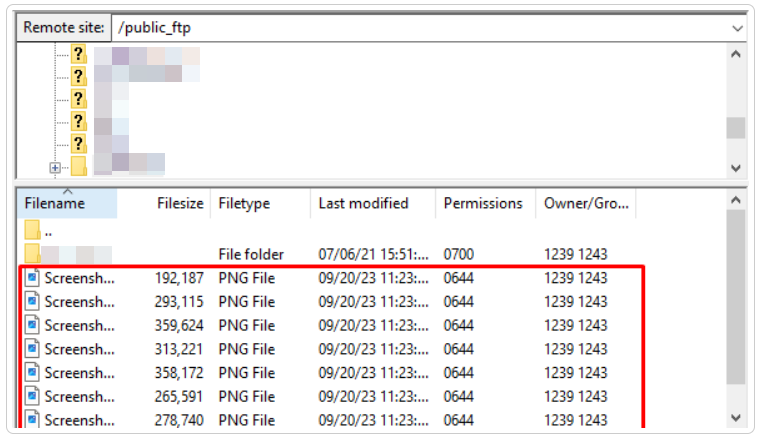
In this way, you can upload files using FileZilla. For more information on FileZilla, visit our knowledge base section.