
The Service Status page in WHM lets you monitor server health by checking whether essential services are running, along with system load, memory, and disk usage. This helps prevent downtime and troubleshoot issues quickly.
Follow the guide:
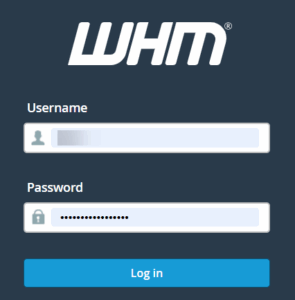
- Log in to WHM.
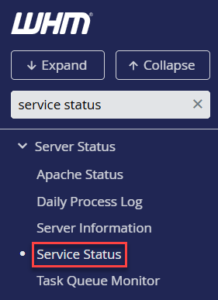
- Search for Service Status.
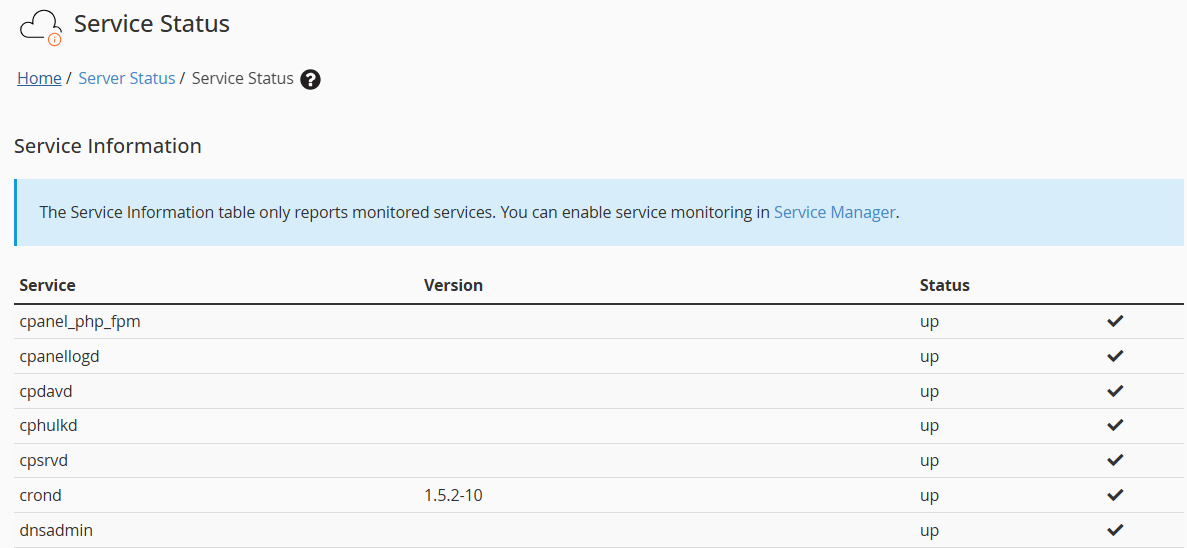
- In the Service Information section, you will see a table with three columns:
- Service: Lists the key services running on the server (for example, Apache, Exim, SSH, cron, etc.).
- Version: Shows the installed version for services where WHM can detect it.
- Status: Indicates whether each service is running.
- up = running normally
- If a service is down, WHM will highlight it and show an alert icon.
- System Information
The System Information section provides a quick overview of the server’s current resource usage and health:- Server Load: Displays the current load average in relation to the number of available CPUs. A load value close to or below the CPU count generally indicates normal operation.
- Memory Used: Shows how much physical RAM is currently in use. Linux may use free memory for caching, so moderate usage is normal.
- Swap Used: Indicates how much swap space is being utilised. Occasional or moderate swap usage can be normal, but consistently high usage may point to memory pressure on the server.

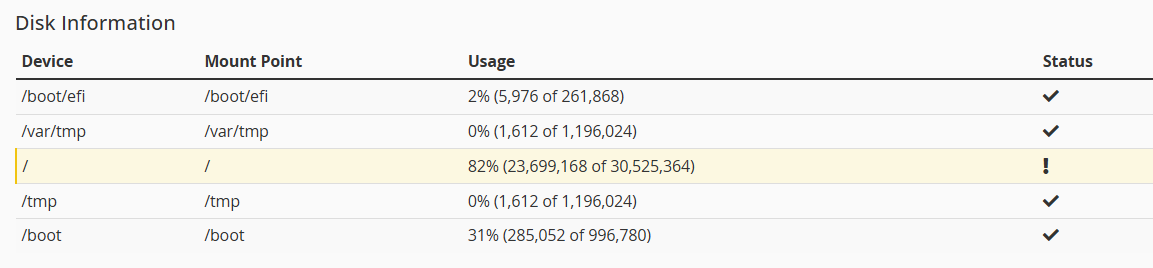
- Disk InformationThe Disk Information section lists all mounted partitions on the server along with their usage:
- Device: The disk or partition name.
- Mount Point: The directory where the partition is mounted.
- Usage: Displays disk space usage as a percentage along with used and total blocks.
- Status: Shows whether the partition is within safe limits or has reached a warning threshold.
That’s the end of our guide on the ‘Service Status’ feature in WHM. Monitoring services are essential for keeping your server healthy.
If you find that the FTP service is down, you may also refer to our KB on How to Restart Service of FTP Server in WHM. For further assistance, reach out to our Technical Support Staff anytime through our ticketing system in the Client Area.