
The cPanel Security Advisor provides recommendations to help improve server security. This guide explains how to access and review these recommendations in WHM.
Steps to review security recommendations using the cPanel Security Advisor:
- Log in to your WHM.
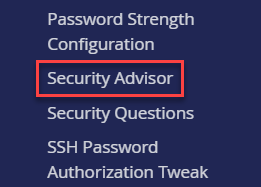
- Search for Security Center, and click Security Advisor.
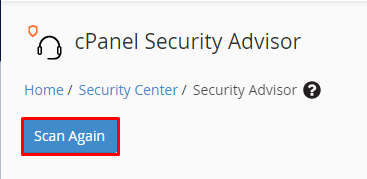
- Click Scan Again.
- Security recommendations are colour-coded, red for critical issues, yellow for moderate concerns, blue for informative alerts, and green for successful security checks.
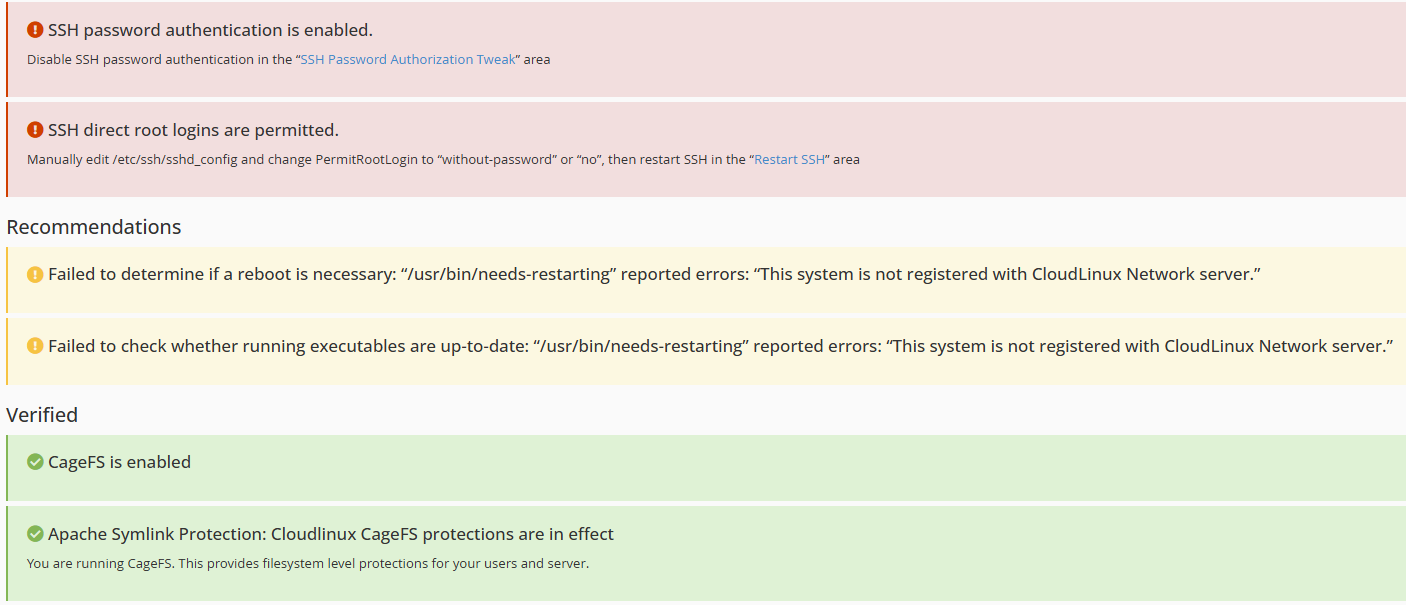
You can now review the security recommendations provided by the cPanel Security Advisor and apply the suggested changes to improve your server’s security.